General CRM Help

General CRM Help
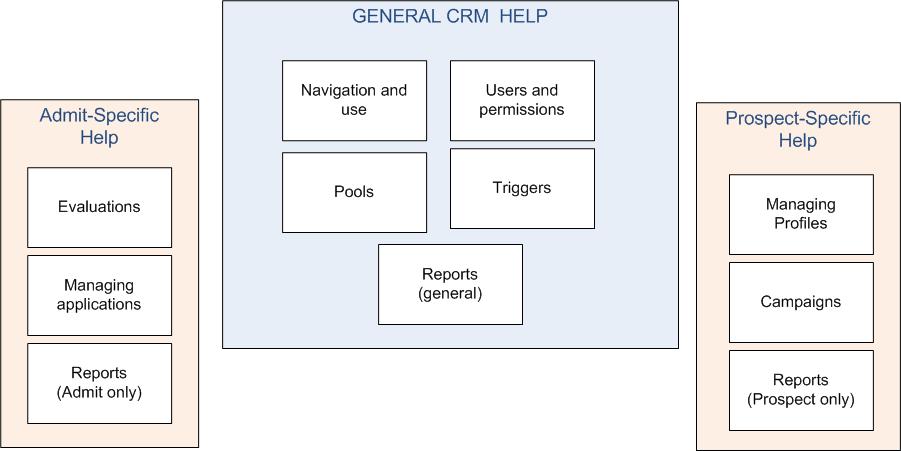
Welcome to the CollegeNET CRM system. This help covers basic CRM functionality, as well as specific information about using the Admit and Prospect modules.
Using this help file
All the basic functionality of the CRM is the same whether you are using the Prospect or Admit module. The General CRM help contains general information about pool management, user permissions, reporting, and more.
In some cases, information only pertains to one module (for example, you only use campaigns in Prospect, and you only evaluate applications in Admit). In the case of module-specific features such as those, see the appropriate Admit or Prospect sections.
Quick links
I need general information about using the CRM. Use the links at the left to find the help you need, or start here: “Managing users and pools”.
I work in Admissions and need information on evaluating applicants and managing the admissions process. See the “Admit-Specific Help”.
I work with Prospects and manage the profiles of prospective applicants. See the “Prospect-Specific Help”.
I’m a high-level Administrator. I need to download the “Configuration Guide” PDF manual.
 
If you would like more help, see the list of “Interactive Tutorials and Other Resources”, which are self-guided tours of common tasks in the CollegeNET CRM.